How to shoot black and white film photos on iPhone
Most phone black and white is a colour photo with the colour taken out. Black and white film looks different: richer blacks, real grain and a tone that depends on the film. Here's what makes the difference and how to get it on an iPhone.
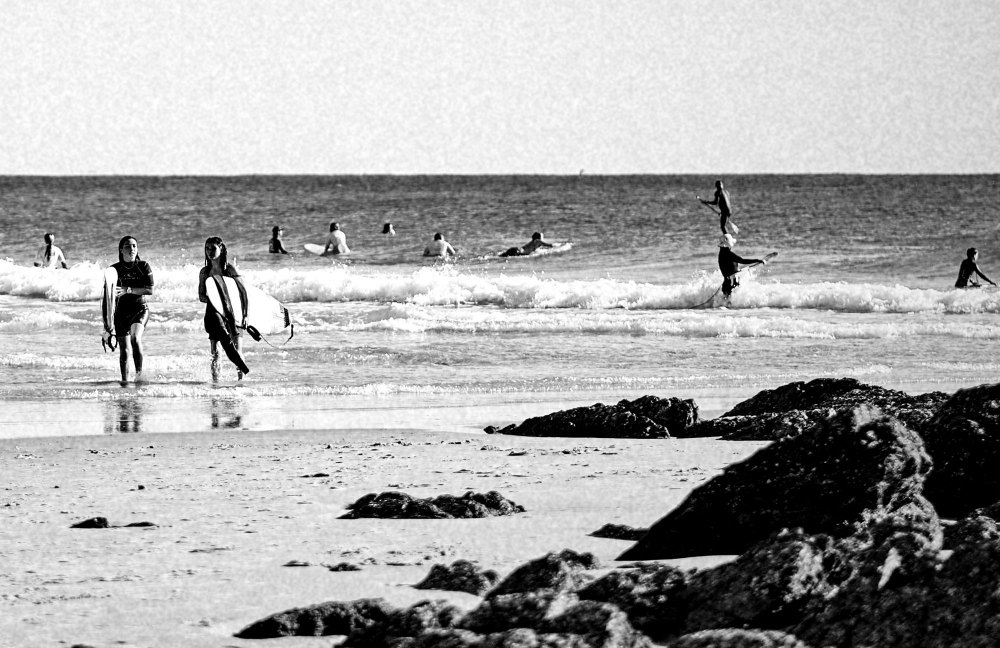
Why black and white film looks different
Contrast has a shape. Each film handles shadows and highlights in its own way. Some keep lots of detail in the grey middle tones, others go punchy with deep blacks and bright whites. A plain mono filter just maps brightness to grey.
Grain is part of the picture. In black and white there's no colour to distract from texture, so grain shows more. Faster films, made for low light, have bigger and more visible grain. Slower films look smooth and fine.
Colours turn into different greys. Film doesn't see every colour as equally bright. That's why photographers used coloured filters: a red filter on the lens makes blue skies go dark and dramatic, while a green one lightens leaves.
Classic films and what they're known for
Kodak Tri-X 400. The famous grainy, contrasty look of street and documentary photography.
Ilford HP5 Plus 400. A little softer than Tri-X, forgiving and easy to like.
Ilford Pan F Plus 50 and Ilford Delta 100. Slow films with very fine grain, for clean portraits and landscapes in good light.
Ilford Delta 3200. Made for dim light, with big, obvious grain.
Tips for better black and white
Look for light and shadow, not colour. A red jumper and a green wall can turn into the same grey. Side light, window light and strong shadows are what make black and white work.
Get closer to texture. Skin, wood, concrete, waves and fabric all look great without colour.
Pick the film for the light. Use a fine-grain film on bright days and a grainier one at night, the way you would with real rolls.
Shoot it in black and white from the start. Seeing the frame in black and white while you shoot changes what you notice. It's easier than turning a colour photo grey later and hoping it works.
Doing it in Isochrome
Isochrome, the iPhone camera app we make, has black and white films inspired by these classics, including B Grit 400 (inspired by Kodak Tri-X 400), B Classic 400 (Ilford HP5 Plus 400), B Fine 100 (Ilford Delta 100), B Slow 50 (Ilford Pan F Plus 50) and B Night 3200 (Ilford Delta 3200). Pick one, see it live in the viewfinder, and press the shutter. There's nothing to edit afterwards. The full list is on what the codes mean, and for colour films see how to make iPhone photos look like film.