







01
FILM CAMERA FOR IPHONE
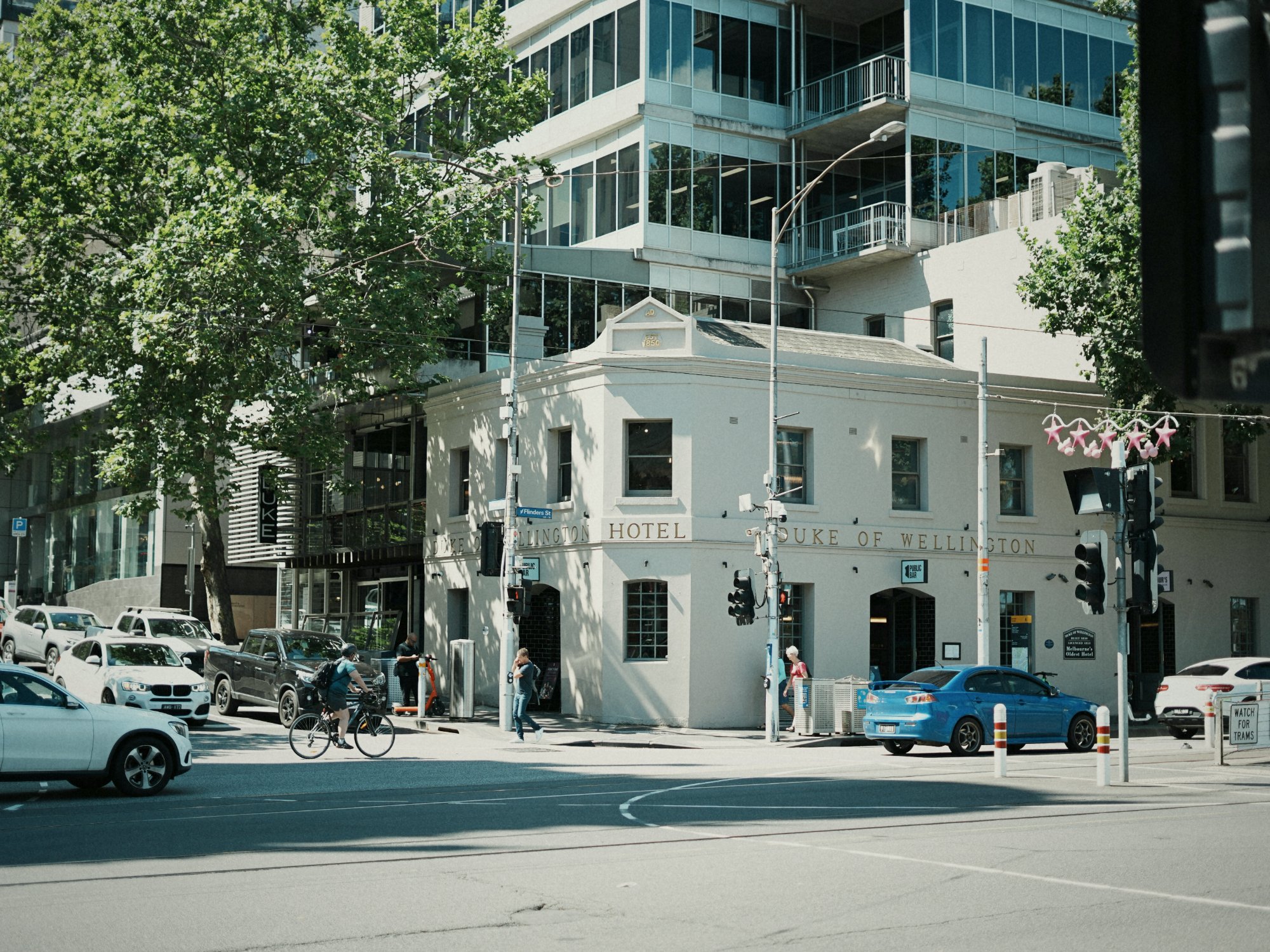
Photos that feel the way the day did.
Pick a film, frame it, shoot. Nothing to edit afterwards. The colour and grain are in the frame the moment you press the shutter.
Three films included. No watermark, no shot limit.
33 FILMS
Pick the mood before you shoot.
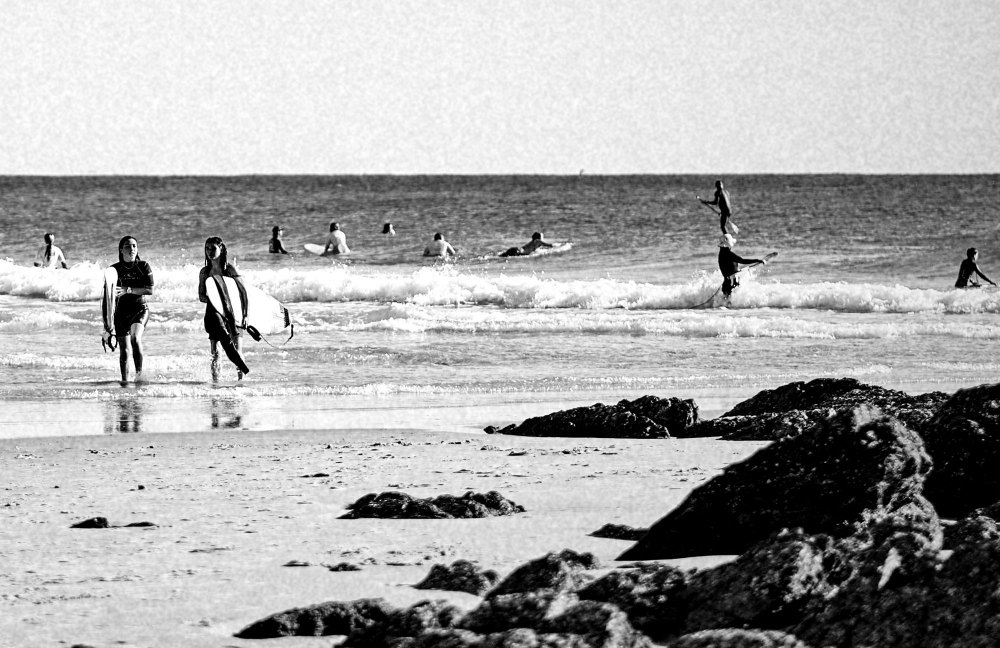
C is colour negative. E is slide. B is black and white. X is expired. The number is the film speed.
Tap a film to see its character.
COLOUR17
SLIDE5
BLACK AND WHITE8
EXPIRED3
WHAT THE CODES MEAN →
Isochrome's film emulations are independently developed and are not affiliated with, sponsored by, or endorsed by Eastman Kodak Company, Kodak Alaris, FUJIFILM Corporation, Harman Technology Limited (Ilford, Kentmere), CineStill, Inc., Lomographische AG, or AgfaPhoto Holding GmbH. All film names, product names and related marks are trademarks of their respective owners and are used here for descriptive purposes only.
FILM SHEET
Every film, a tap away.
Tap the film beside the shutter and the sheet opens over the viewfinder. Filter by colour, slide, black and white or expired, then tap a film to load it.
- 01Tap the film beside the shutter.
- 02The sheet opens. Scroll, or pick a type.
- 03Tap a film to load it.
- 04The sheet closes and the viewfinder shows the new film.
- 01Choose Pinned shortcut in Settings.
- 02Hold a film in the full sheet to pin it, up to 6.
- 03Your pinned films sit under the viewfinder.
- 04Tap one to load it.
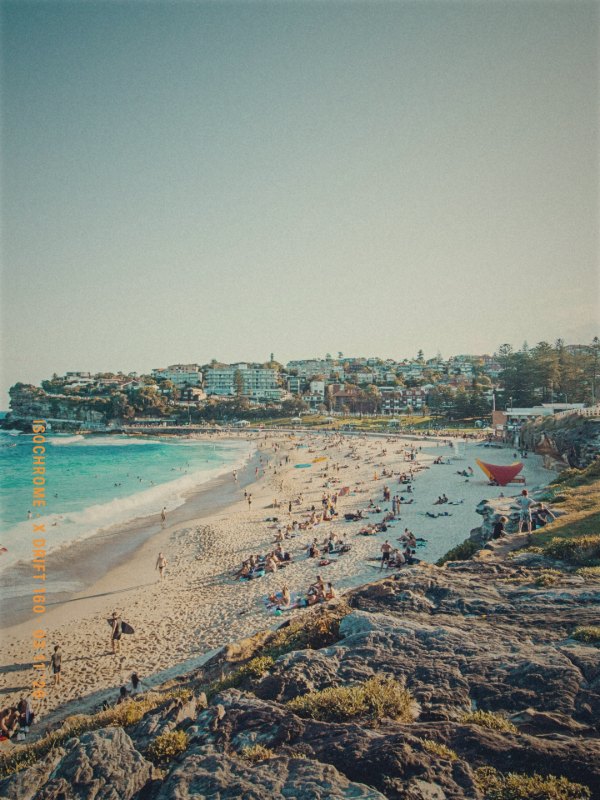
One beach, many films
ARTIFACTS
Light gets in. That's the good part.
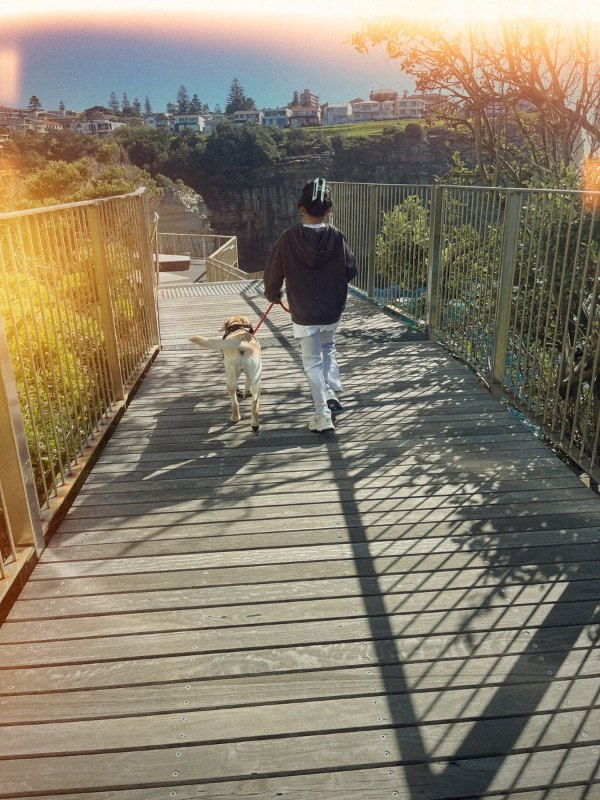
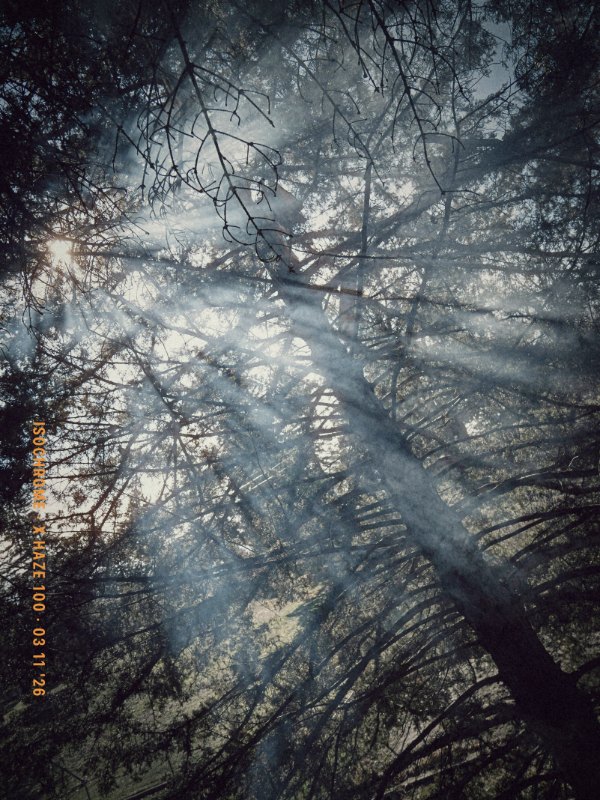
Film was never perfect. Light crept in, dust settled, rolls ran out. Isochrome brings these back, a little differently on every frame, so no two photos come out the same.
IN SETTINGS
Add a light leak yourselfPRO
Hold the shutter while you shoot, or hold a volume button. Works even with the switch off. Colour films only.
Applies to new shots. Frames already developed keep theirs. Film colour and grain are not affected. Expired films always keep theirs.
A ROLL OF 36 COLOUR, AS IT MIGHT COME BACK
01 · FOGLEAKS AT RANDOM36 · BURN
In Single frames mode there is no roll, so fog and burn don't appear. Black-and-white film never gets fog, burn or leaks; dust and scratches can turn up on any film; halation is part of the cinema and expired films.


02
Light leaks
03
Halation
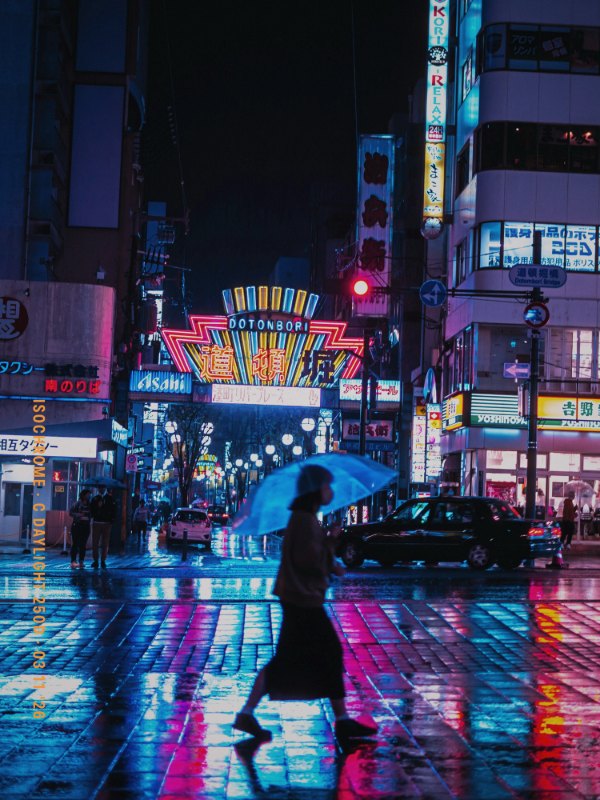
A glow around bright lights.
04
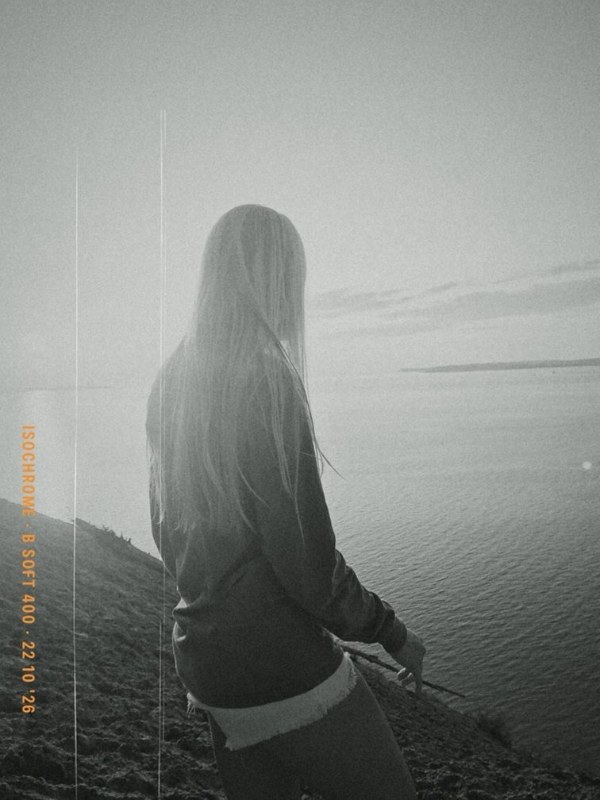
Scratch and dust

05
End-of-roll burn


06
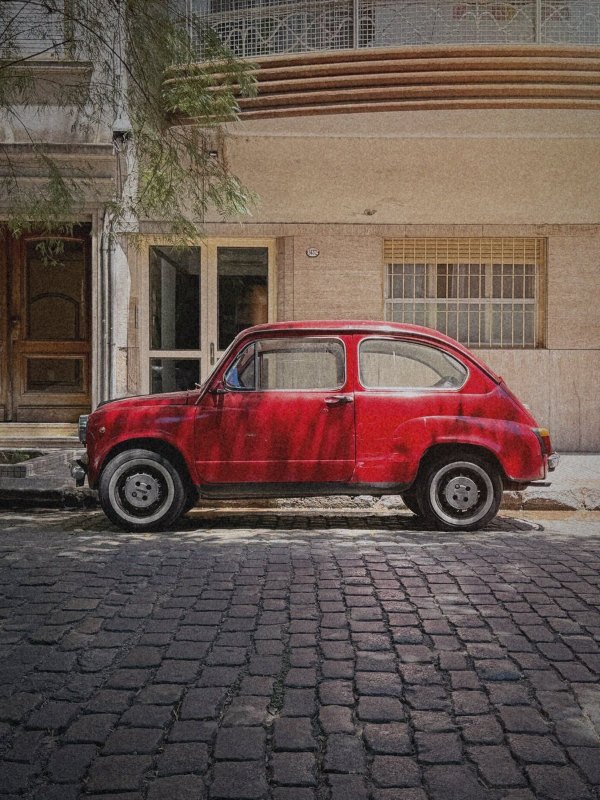
Expired film
Three expired films. Faded colour and more of everything.
DATE STAMP
Some days deserve a date.
Switch it on and the date is printed into the corner of the frame, the way an old date back did.
SELFIE
You belong in the photos too.
Flip to the front camera, or set the self-timer and step into the frame. Same films, same grain.

WIDGETS
Your roll, on your Home Screen.
See your loaded film and latest roll, and open the camera from the Lock Screen, Control Centre or the Action button.
ROLLS
Rolls of 24 or 36.
Load a roll of 24 or 36 and commit to it, or shoot single frames.
MANUAL
Take the dials when you want them.
Exposure is automatic. Drag the drums under the viewfinder to set shutter speed and ISO yourself.
SHUTTER
1/301/601/125
ISO
50100200
ISOCHROME PRO
Three films to start, yours to keep.
Pro opens all 33 films: Annual, Monthly, or Lifetime, paid once. The App Store shows the current prices.
200
C Amber 200
ISO 200 · COLOURGolden highlights, punchy and nostalgic.
400
C Portrait 400
ISO 400 · COLOURWarm skin tones, soft contrast. The portrait standard.
400
B Grit 400
ISO 400 · B&WGritty and contrasty.